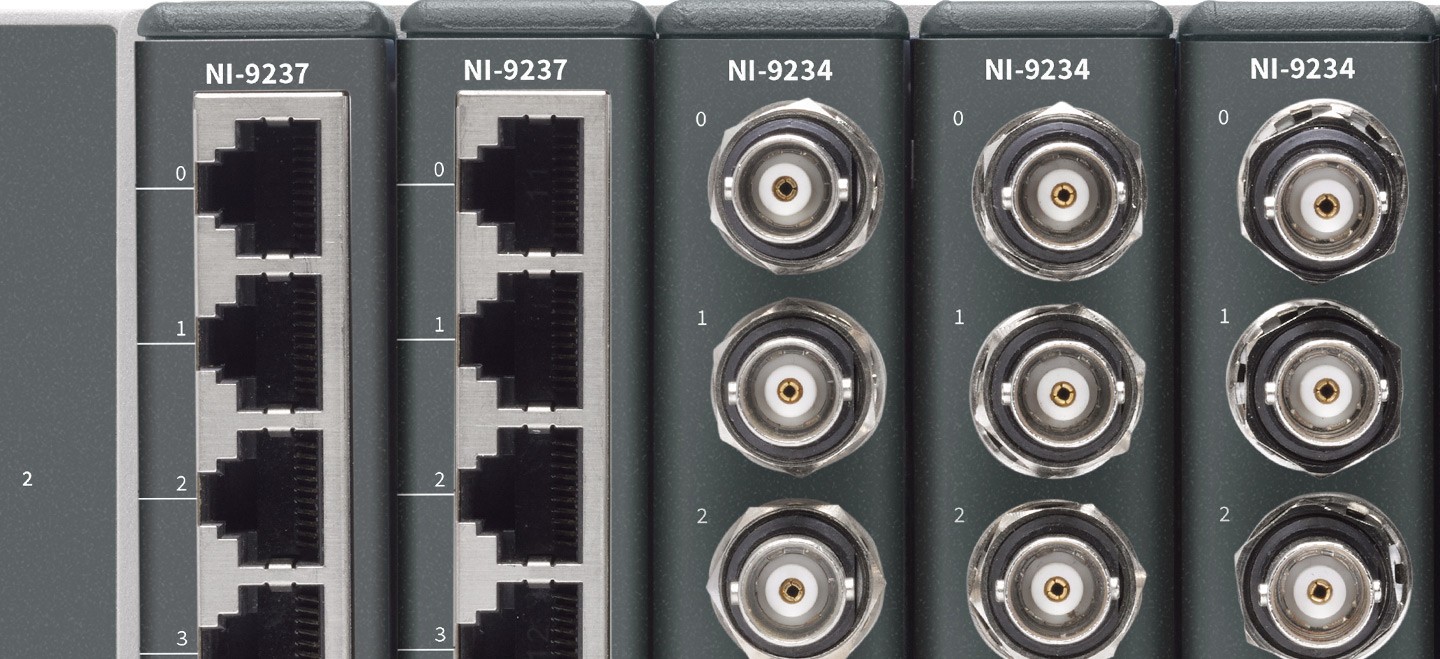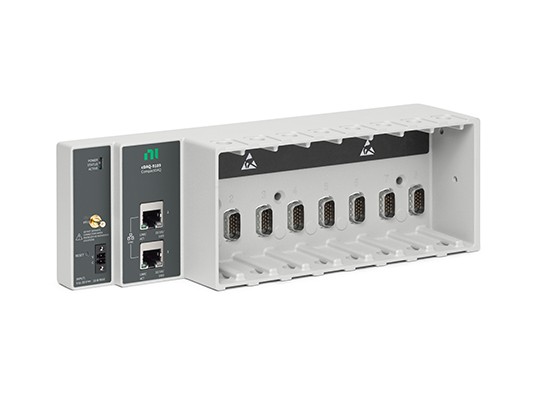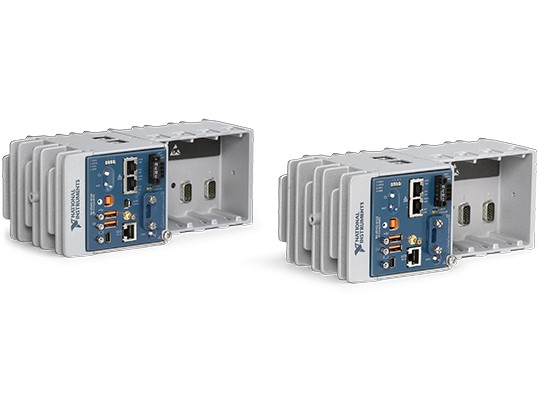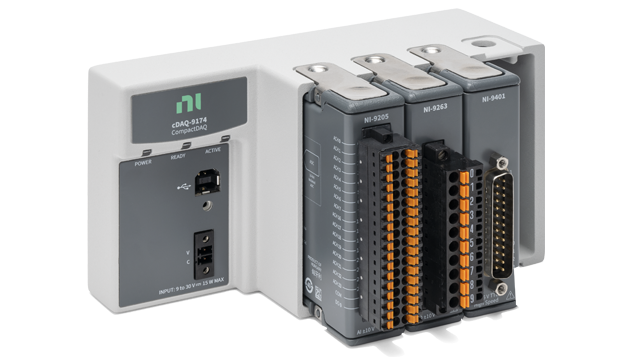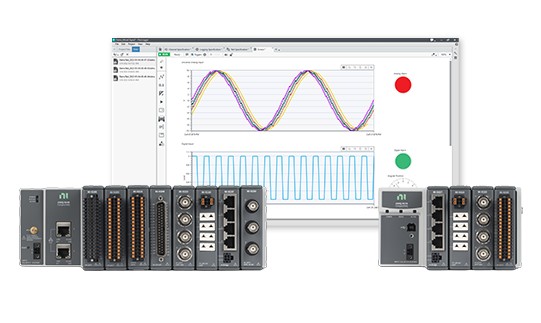



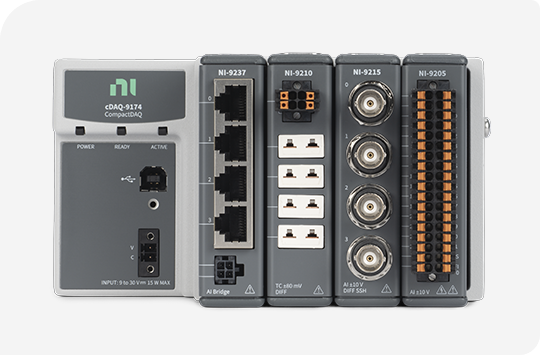
NI CompactDAQ was designed with ease of use in mind from both a software and hardware perspective. NI CompactDAQ USB chassis are automatically detected and configured by NI Measurement & Automation Explorer (MAX) when you plug the cable into a USB port. NI CompactDAQ Ethernet chassis on your local subnet also appear in MAX automatically. Wireless chassis are configured by connecting via Ethernet, following a few simple steps, then unplugging to go wireless. Furthermore, each NI C Series I/O module is detected by a chassis when inserted into an available slot, which means the system knows immediately which type of signals the module can measure or generate.
NI CompactDAQ USB chassis provide the plug-and-play simplicity of USB to sensor and electrical measurements. This introductory video shows the set-up process from unpacking your hardware and software to taking your first measurement.
With simple network configuration and 802.11 Wi-Fi connectivity, NI CompactDAQ wireless chassis make it easier than ever to take your measurement system to the sensor. Watch this introductory video for a step-by-step walk through of the set-up process.
To make networking more accessible to the non-IT professional, NI CompactDAQ Ethernet chassis use the zero configuration networking (zeroconf) standard. This introductory video walks you through the set-up process step by step.
Learn about calibration, warranty, repair, and system configuration services offered by NI.
Examine the fundamentals of PC-based DAQ and signal conditioning using an NI CompactDAQ USB system in this two-day NI course.