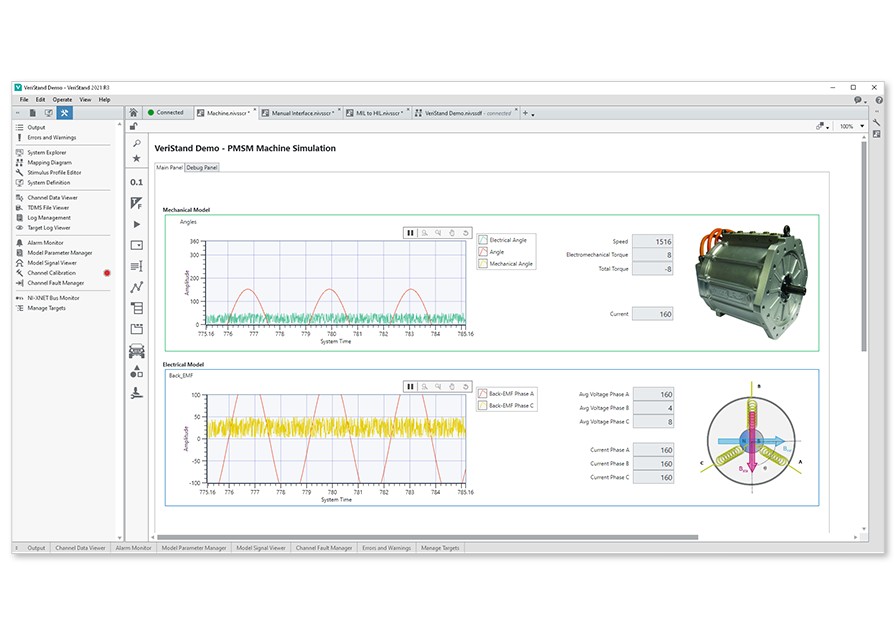
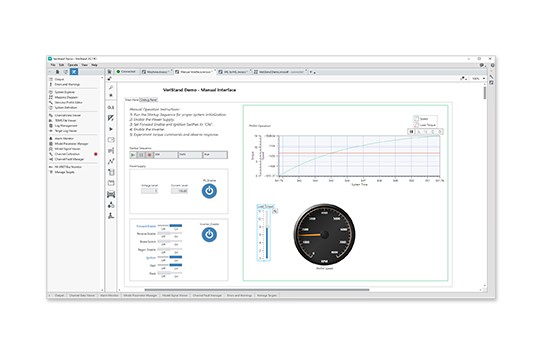
NI VeriStand 2012 adds high-speed data acquisition and logging so you can acquire data at much greater rates than ever before. It also expands hardware support to include SC Express conditioned I/O modules out of the box, and helps you create custom scales and perform project-based sensor calibration to ensure that your data is always accurate and reliable. With NI VeriStand 2012, you can obtain the right data at the right time with customizable log triggering and flexible data-logging management. Get up and running faster than ever before with streamlined I/O configuration that includes hardware autodiscovery.
Acquire and log data at much higher speeds than ever before with data waveforms. You can visualize waveform data in the Workspace and log it to file for analysis to ensure that your system responds properly.
Access high-speed data streams from NI LabVIEW software or create plug-ins for the custom acquisition and processing of waveforms inside NI VeriStand.
With the NI VeriStand Stimulus Profile Editor, you can create triggers based on multiple trigger conditions and acquire pretriggered samples for precise control over which data gets logged. You can also segment data logs based on size or time so that relevant data is easy to find.
NI SC Express modules are now supported out of the box in NI VeriStand 2012, so you can acquire highly accurate temperature, strain, or bridge measurement data quickly and easily.
NI VeriStand expands multifunction DAQ tasks by adding new high-speed digital PWM signals including variable frequency and duty cycle.
Getting started with I/O is fast and easy with NI VeriStand 2012. You can use the hardware discovery utility to find hardware in your system and add it to your project. Channel configuration tools help you define I/O limits and convert incoming signals into usable data.
Create scales that include polynomial scales, lookup tables, and thermocouple scales and apply them to multiple channels in the system. Scales can be configured in the NI VeriStand System Explorer or they can be imported from Measurement & Automation Explorer.
Perform sensor calibration with a new calibration tool and apply calibrations from files in the NI VeriStand project so you can reuse scales across multiple projects as well as reuse hardware across multiple test setups without needing to recalibrate your system for the new setup.
Download NI VeriStand add-ons such as custom workspace objects, real-time engine features, test sequences, and models. You can also submit your own add-on to the NI VeriStand community.
Easily read data from NI C Series modules inside an NI CompactRIO or EtherCAT chassis into NI VeriStand for use in your real-time testing application. Learn more about the EtherCAT Custom Device add-on.