Measurement Studio 8.1 | Measurement Studio 8.0.1 | Measurement Studio 8.0
What's New in Measurement Studio 8.1.1 and 8.1.2
Windows Vista OS Support
Create .NET and Visual Studio 6.0 applications that take advantage of the latest development and deployment platform, Windows Vista.
Analysis Code Snippets
Reduce development time by copying example code snippets for more than 100 advanced analysis functions directly into your application.
Network Variable Performance Improvements
Achieve 2.5 times faster cross-platform communication with the new network variable LogosXT engine.
Legend Scrollbars
Conserve space on your user interface by scrolling through legend items at run time.
Enhanced Support for Engineering Formatting
Edit/parse engineering formatted values at run time as engineering formatted strings or as basic numeric formatted strings.
NI-SCOPE .NET Driver
Quickly take measurements from NI digitizers with the integrated .NET design time support for NI-SCOPE.
Download the Free Driver
Upgrade Now
What's New in Measurement Studio 8.1
Network Variable Communication
Perform cross-platform communication among several Windows or real-time applications without low-level programming.
Interactive Run-Time Control Configuration
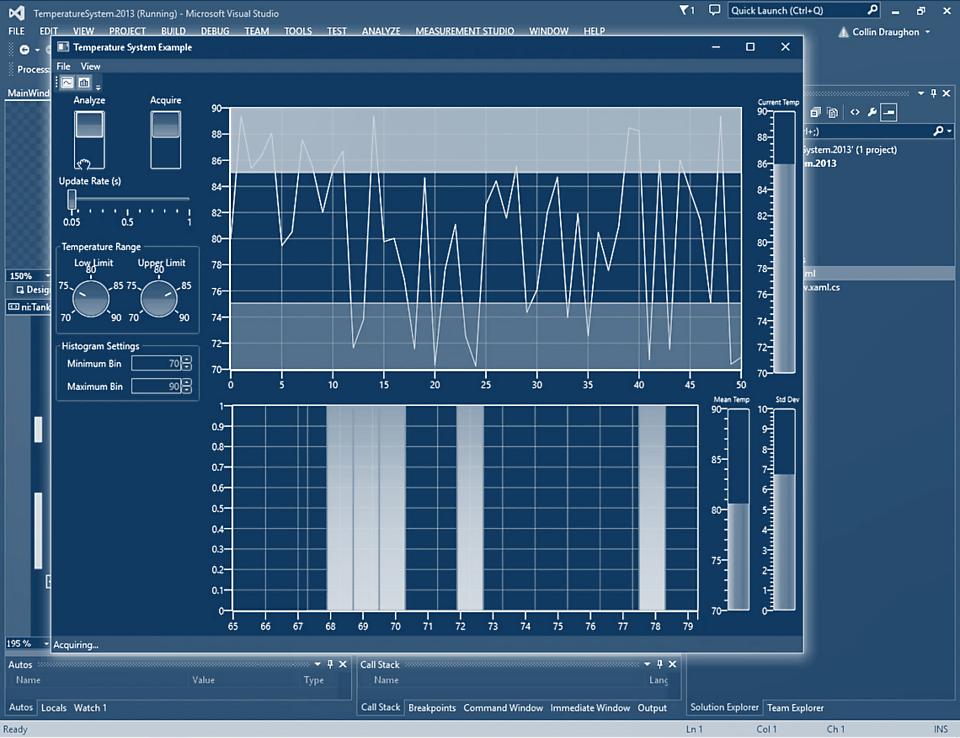
Quickly analyze and inspect data by using the new instrument control strip to zoom, pan, edit properties, and add cursors and annotations to controls at run time.
View 90-Second Instrument Control Strip Express Demo
High-Resolution Timing Support
Display precise oscilloscope measurements on waveform graphs with nanosecond resolution.
Remote System Configuration
Create and transfer configuration data stored in Measurement & Automation Explorer (MAX), such as data acquisition tasks, to or from a system. Now you can easily duplicate systems or back up and restore configuration settings.
Enhancements to Existing Measurement Studio .NET Controls
Graph Error Bands
Calculate and display error bands around plot data on waveform and scatter graphs based on constant values, percent deviation, or custom data models.
Test-Drive Graph Error Bands User Interface Feature Tour
Complex Graph Features
Clearly identify key points and regions with annotations along with configurable cursors that display real, imaginary, magnitude, and phase data coordinates.
Test-Drive the Complex Graph
Upgrade Now
TOP
What's New in Measurement Studio 8.0.1
Visual Studio 2005 Support
Develop NI Measurement Studio applications in Visual Studio 2005 that fully support Version 2.0 of the .NET Framework and MFC 8.0. Take advantage of smart tags to quickly edit controls at design time.
ASP.NET Web Controls
Build remote monitoring and control applications with a complete suite of ASP.NET Web controls, including graphs, gauges, knobs, tanks, and thermometers, in addition to an auto-refresh control to automatically update the values of your Web controls.
View the ASP.NET Demo Gallery
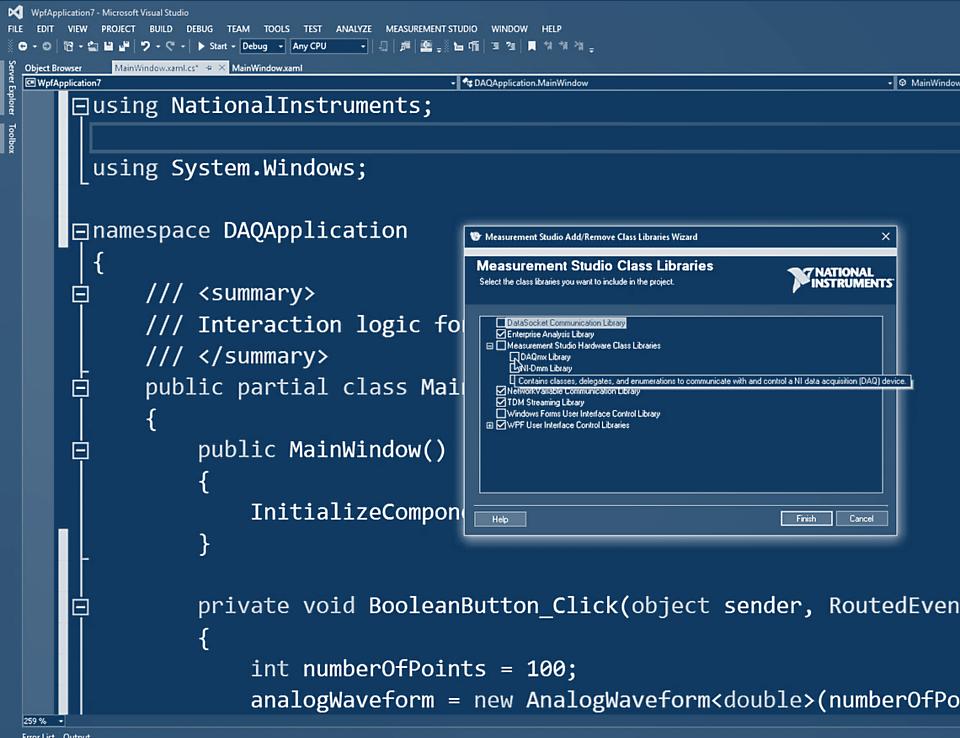
DAQ Code Generation
Quickly create complete data acquisition (DAQ) applications or add advanced DAQ functionality to existing applications using the DAQ component and user interface designer wizard to generate DAQ source code, event handlers, and user interface controls specific to your data acquisition task.
Array User Interface Controls
Design Windows Forms that feature Measurement Studio user interface controls, including arrays of LEDs, switches, and numeric edit controls. You can programmatically pass an array of data to these controls to easily update all the individual control elements.
Upgrade Now
TOP
What's New in Measurement Studio 8.0
Measurement Studio turns Visual Studio .NET into an engineering workbench with user interface controls, a wide variety of analysis methods, and additional hardware support.
New User Interface Controls
Digital Waveform Graph
With the digital waveform graph, you can plot digital waveform data. With this graph, you can configure plot labels on the y-axis and construct plot templates to customize plots, display the data in sample or time mode, and simultaneously display waveforms and signals or display signals only.
Complex Graph
With the complex graph, you can plot and chart complex double data consisting of both real and imaginary components. You can configure the graph to contain multiple plots to show separate but related data on the same graph, in addition to including multiple axes with independent ranges so that plot data fits the graph plot area.
Property Editor
With the property editor control, you create applications that help your end users to configure properties for Windows Forms controls at run time. You can edit properties of any .NET type at run time, including collections, and you can edit expandable properties that represent nested properties of another object, such as major divisions of an axis.
TOP
New Analysis Library and Improved Performance
Analysis Methods for .NET and C++
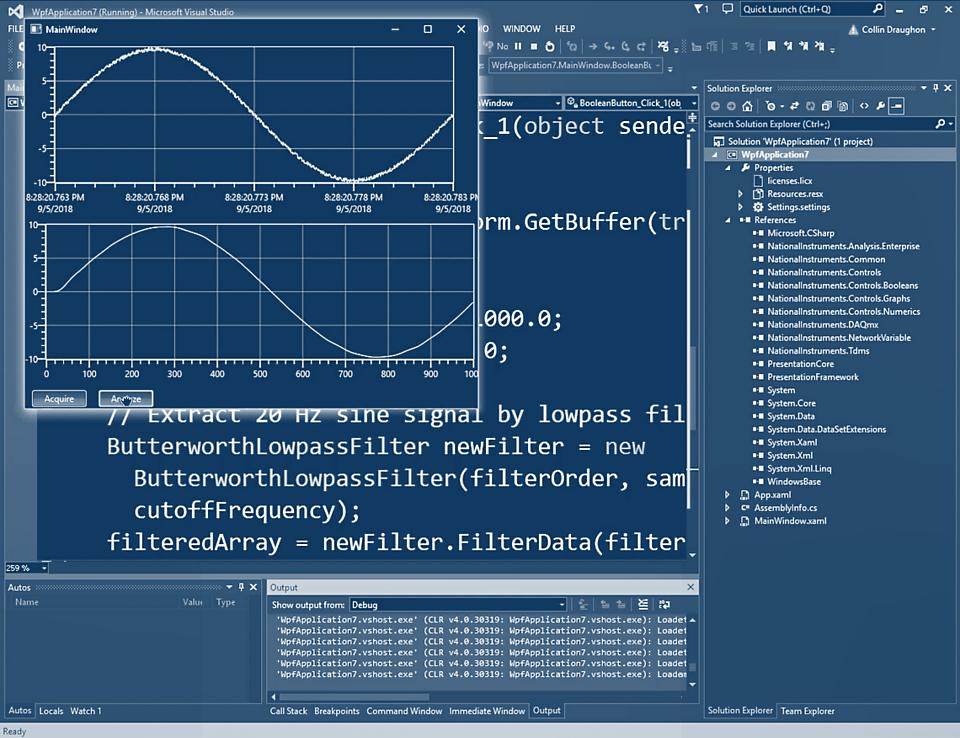
The Advanced Analysis Library includes curve fitting, windowing, linear algebra, signal processing, and special functions.
The Measurement Studio analysis library provides enhanced performance, with up to 40 percent performance increases for fast Fourier transforms. Additional performance increases include:
- Use of the Intel Math Kernel Library to provide high-performance implementation of linear algebra functionality
- BLAS/LAPACK algorithms to decrease computation time for linear algebra functions and provide more accurate results
For a complete list of analysis methods, see Measurement Studio Analysis.
TOP
Enhancements to Existing Measurement Studio .NET Controls
Interactive Axis Range Editing
For the graph and numeric pointer controls, you can interactively change the range of an axis and invert the axis at run time by clicking on the axis end labels.
Custom Scale Range Fills
For the numeric pointer controls, you can fill the scale and configure the range, color, dimensions, and style of the fill.
More than 100 Percent Improved Charting Performance
For the graph controls, you now have faster charting performance when you are charting data continuously.
TOP
NI-VISA .NET Class Library Updates
Support for IEEE 1394
Use the .NET Virtual Instrument Software Architecture (VISA) API to communicate at high speeds with IEEE 1394 devices such as cameras and instruments.
Formatted I/O
Add formatted I/O to your instrument control applications to quickly create and parse messages that include integers, floating-point numbers, characters, strings, and binary data.
TOP
Additional Measurement Studio 8.0 Features
- Digital waveform data type
- Run-time interaction with the graphs without the modifier key
- Ability to configure graph origin lines
- Device coordinate mapping to data values on graph controls
Upgrade Now
TOP
ActiveX Enhancements for Visual Studio 6.0
- Graph Undo Zoom: Quickly undo zoom operations because the graph now tracks zoom commands.
- Graph Proportional Zoom: Zoom while keeping constant the relative length of the x-axis to the y-axis.
- Graph Zoom and Pan Events: Configure events to fire when a user zooms or pans.
- User Interface Image Export: Copy images of Measurement Studio user interface controls.
TOP
Additional Features
- User Interface Image Export: Export an image of the control to a file, the Windows clipboard, an image, or a stream.
- Copy Column: Copy the specified row of a 2D array to a 1D array. This is useful when extracting interleaved data from a DAQ read.
- Copy Row: Copy the specified column of a 2D array to a 1D array. This is useful when extracting channel data from a DAQ read.
TOP
Additional Resources